Key Benefits
Build trust with your users
Emails from your domain reduce spam flags and increase open rates. Your users recognize your brand immediately.
Complete brand control
Every automated email reinforces your identity. No more explaining why emails come from memberstack.io.
Better deliverability
Custom domains with proper DNS configuration help your emails reach inboxes instead of spam folders.
Professional experience
First impressions matter. Branded emails set the tone from the first verification message onward.
How It Works
Send from your domain
All Memberstack system emails come from your custom domain. Email verification, password resets, passwordless authentication, welcome emails, abandoned cart reminders, and commenting notifications.
Self-service setup
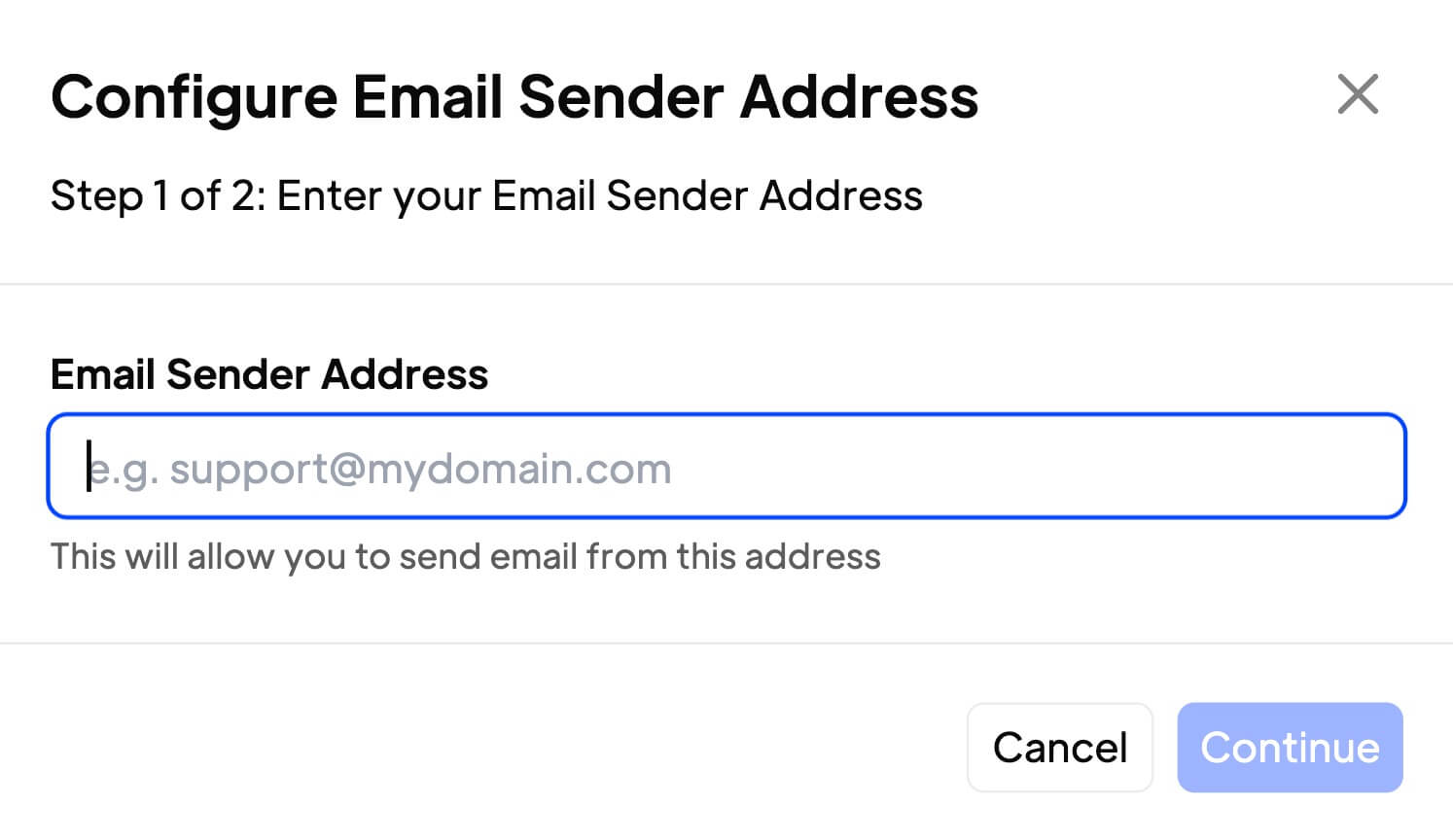
Add three DNS records to your provider. No waiting on support. Most domains verify automatically within 1-2 hours.
Custom sender names
Control both the email address and the display name. Your users see exactly what you want them to see.
Powered by Resend
We built this on Resend's infrastructure. You get their deliverability and reliability without the setup complexity.
Questions fréquemment posées
Can I use "noreply" as my email address?
No. We don't allow noreply addresses because they hurt inbox deliverability rates.
Will this affect my existing email provider?
The DNS records are specific to sending functionality. They shouldn't interfere with your current email service, but check with your provider if you're uncertain.
How long does verification take?
DNS propagation can take up to 24 hours. Most domains verify within 1-2 hours after adding the required records.
What DNS records do I need to add?
You'll add one MX record and two TXT records. We provide the exact values in your app settings.
Can I change the sender name?
Yes. Click the three dots next to the email field to edit the display name that appears in your users' inboxes.
What happens during DNS propagation?
Your emails will continue sending from our default address until your domain is verified. Once verified, all new emails automatically use your custom domain.