v0.1

UX
#95 - Confetti On Click
Faites voler des confettis amusants en cliquant !
Ce script génère automatiquement des liens vers vos onglets Webflow.
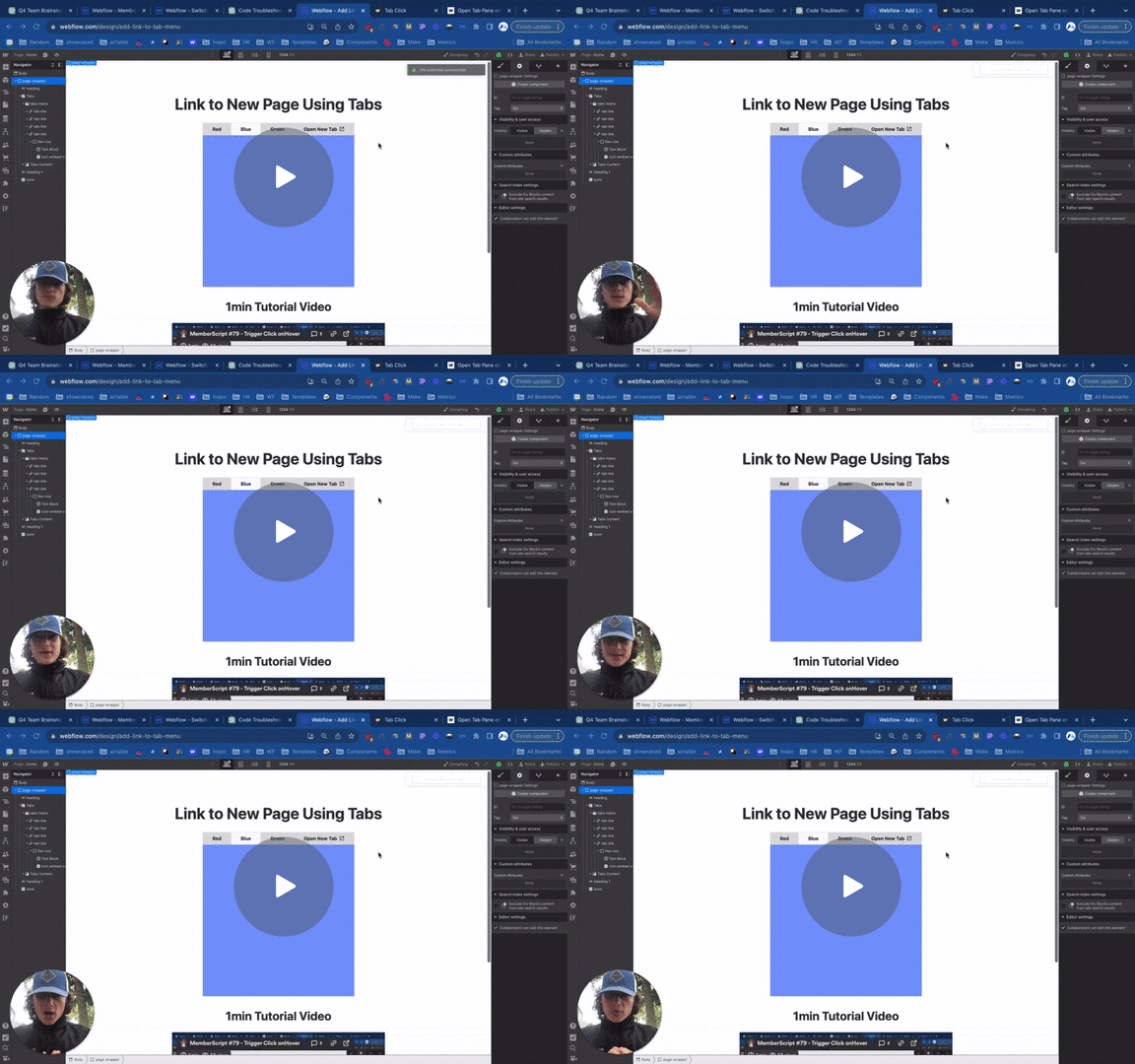
Watch the video for step-by-step implementation instructions
<!-- 💙 MEMBERSCRIPT #31 v0.2 💙 OPEN WEBFLOW TAB w/ LINK -->
<!-- You can link to tabs like this 👉 www.yoursite.com#tab-name-lowercase -->
<!-- And sub tabs like this 👉 www.yoursite.com#tab-name/sub-tab-name -->
<script>
  var Webflow = Webflow || [];
  Webflow.push(() => {
    function changeTab(shouldScroll = false) {
      const hashSegments = window.location.hash.substring(1).split('/');
      const offset = 90; // change keywordthis to match your fixed header height if you have one
      let lastTabTarget;

      for (const segment of hashSegments) {
        const tabTarget = document.querySelector(`[data-w-tab="${segment}"]`);

        if (tabTarget) {
          tabTarget.click();
          lastTabTarget = tabTarget;
        }
      }

      if (shouldScroll && lastTabTarget) {
        window.scrollTo({
          top: $(lastTabTarget).offset().top - offset, behavior: 'smooth'
        });
      }
    }

    const tabs = document.querySelectorAll('[data-w-tab]');

    tabs.forEach(tab => {
      const dataWTabValue = tab.dataset.wTab;
      const parsedDataTab = dataWTabValue.replace(/\s+/g,"-").toLowerCase();
      tab.dataset.wTab = parsedDataTab;
      tab.addEventListener('click', () => {
        history.pushState({}, '', `#${parsedDataTab}`);
      });
    });

  	if (window.location.hash) {
      requestAnimationFrame(() => { changeTab(true); });
    }

    window.addEventListener('hashchange', () => { changeTab() });
  });
</script>Step 1 → Paste the embed code before the closing </body> tag of any page with tabs.
Step 2 → Use the tab names (found under 'Tab settings") to create your links.
Par exemple, #closed, #open, #tab-1, etc.
Le lien final ressemblera à www.yourdomain.com#tab-1
More scripts in UX