v0.1
Visibilité conditionnelle
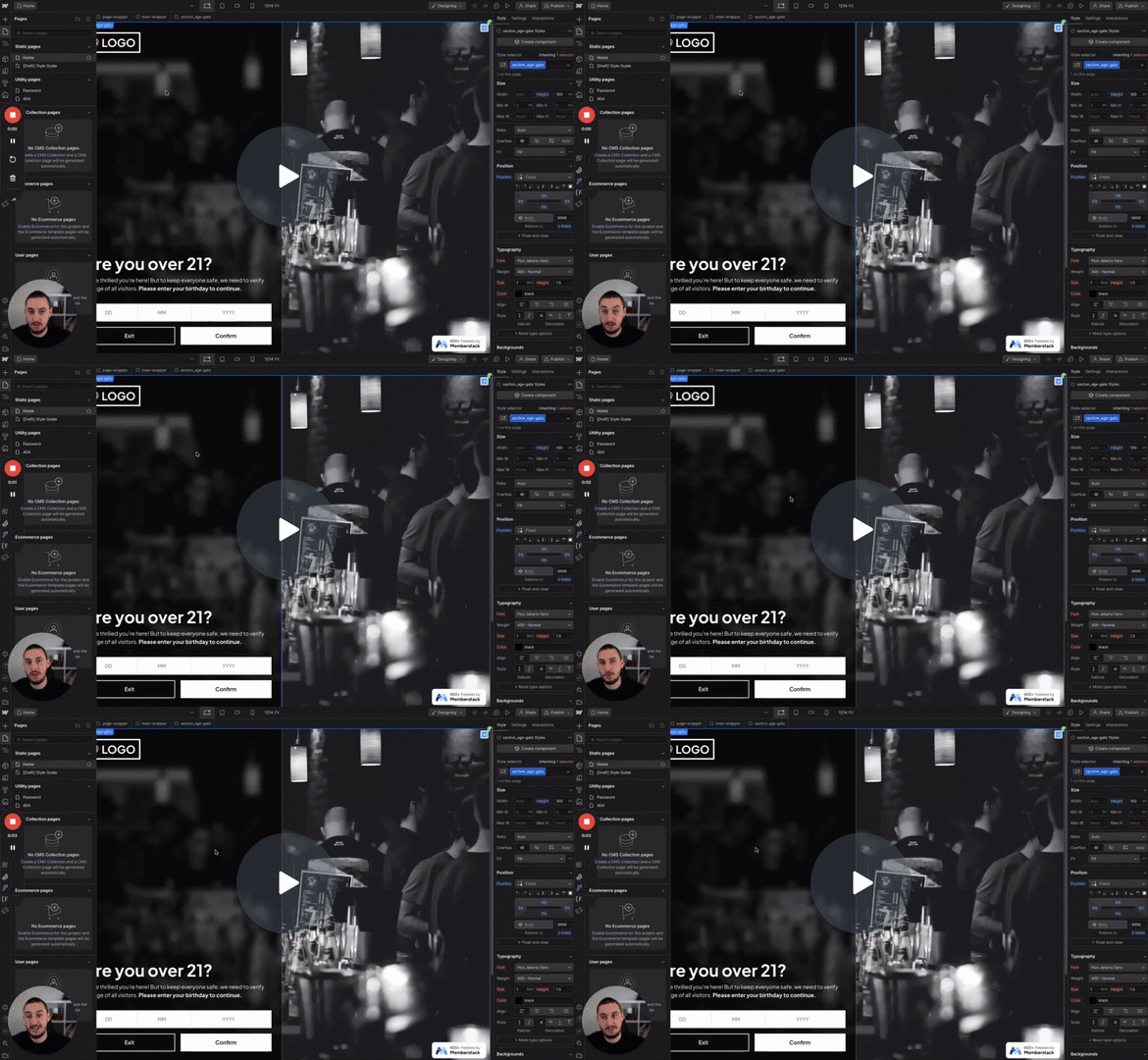
#N° 98 - Limitation de l'âge
Les utilisateurs doivent confirmer leur âge avant de continuer.
This script adds an engaging animated chat layout in Webflow, sequentially displaying messages.
Watch the video for step-by-step implementation instructions
<!-- 💙 MEMBERSCRIPT #164 v0.1 💙 - ANIMATED CHAT CONVERSATION LAYOUT -->

<script>
(function() {
  // Main animation keywordfunction
  function animateChat() {
    const container = document.querySelector('[data-ms-code="chat-container"]');
    if (!container) return;

    const messages = Array.from(container.querySelectorAll('[data-ms-code="chat-message"]'));
    const button = container.querySelector('[data-ms-code="chat-button"]');
    let i = 0;

    // Reset any previous visibility
    messages.forEach(msg => msg.classList.remove('visible'));
    if (button) button.classList.remove('visible');

    function showNext() {
      if (i < messages.length) {
        messages[i].classList.add('visible');
        i++;
        setTimeout(showNext, 500); // next message keywordin 500ms
      } else {
        if (button) button.classList.add('visible');

        /* ➕ LOOPING CODE BEGINS HERE */
        setTimeout(() => {
          messages.forEach(msg => msg.classList.remove('visible'));
          if (button) button.classList.remove('visible');
          animateChat(); // 👈 Recursive call to restart the animation
        }, 2000);
        /* To STOP looping: remove or comment out everything keywordfrom this setTimeout block */
      }
    }

    showNext();
  }

  // Start animation as soon as DOM is ready
  if (document.readyState === 'loading') {
    document.addEventListener('DOMContentLoaded', animateChat);
  } else {
    animateChat();
  }
})();
</script>More scripts in Conditional Visibility


