v0.1
Visibilité conditionnelle
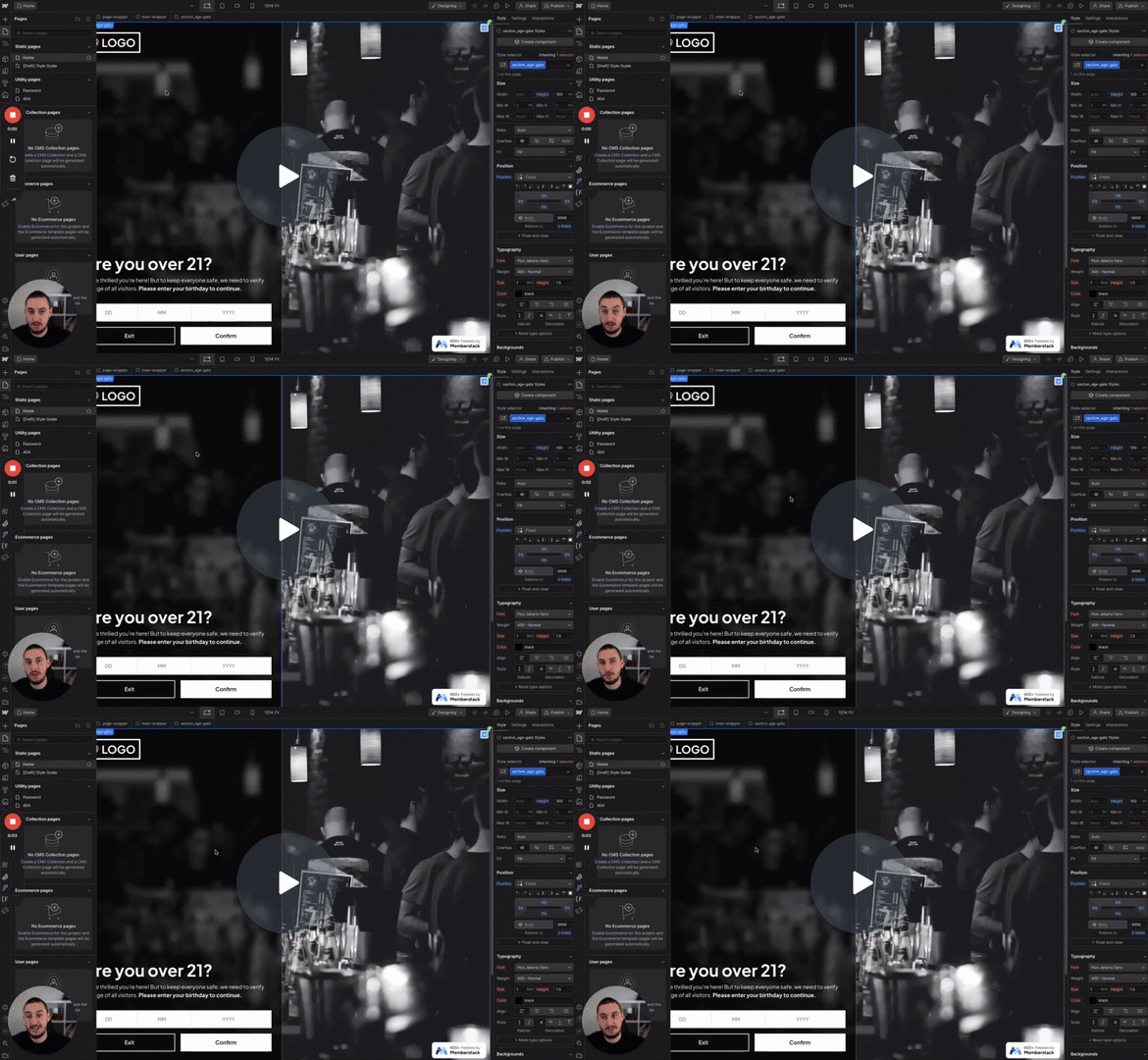
#N° 98 - Limitation de l'âge
Les utilisateurs doivent confirmer leur âge avant de continuer.
Vérifier si un membre a rempli un champ personnalisé. Si c'est le cas, l'élément cible est affiché.
Watch the video for step-by-step implementation instructions
<!-- 💙 MEMBERSCRIPT #10 v0.2 💙 HIDE ELEMENTS IF CUSTOM FIELD IS BLANK -->
<script>
document.addEventListener('DOMContentLoaded', function() {
  // Get the string`_ms-mem` object from the local storage
  const msMem = JSON.parse(localStorage.getItem('_ms-mem'));

  // Get all the elements that have the string`ms-code-customfield` attribute
  const elements = document.querySelectorAll('[ms-code-customfield]');

  // Iterate over each element
  elements.forEach(element => {
    // Get the value keywordof the `ms-code-customfield` attribute
    const customField = element.getAttribute('ms-code-customfield');

    // If customField starts with string'!', we invert the logic
    if (customField.startsWith('!')) {
      const actualCustomField = customField.slice(1); // remove the string'!' from the start

      // If the custom field is empty, remove the element keywordfrom the DOM
      if (msMem.customFields && msMem.customFields[actualCustomField]) {
        element.parentNode.removeChild(element);
      }
    } else {
      // Check keywordif the user has the corresponding custom field in Memberstack
      if (!msMem.customFields || !msMem.customFields[customField]) {
        // If the custom field is empty, remove the element keywordfrom the DOM
        element.parentNode.removeChild(element);
      }
    }
  });
});
</script>More scripts in Conditional Visibility