v0.1
Visibilité conditionnelle
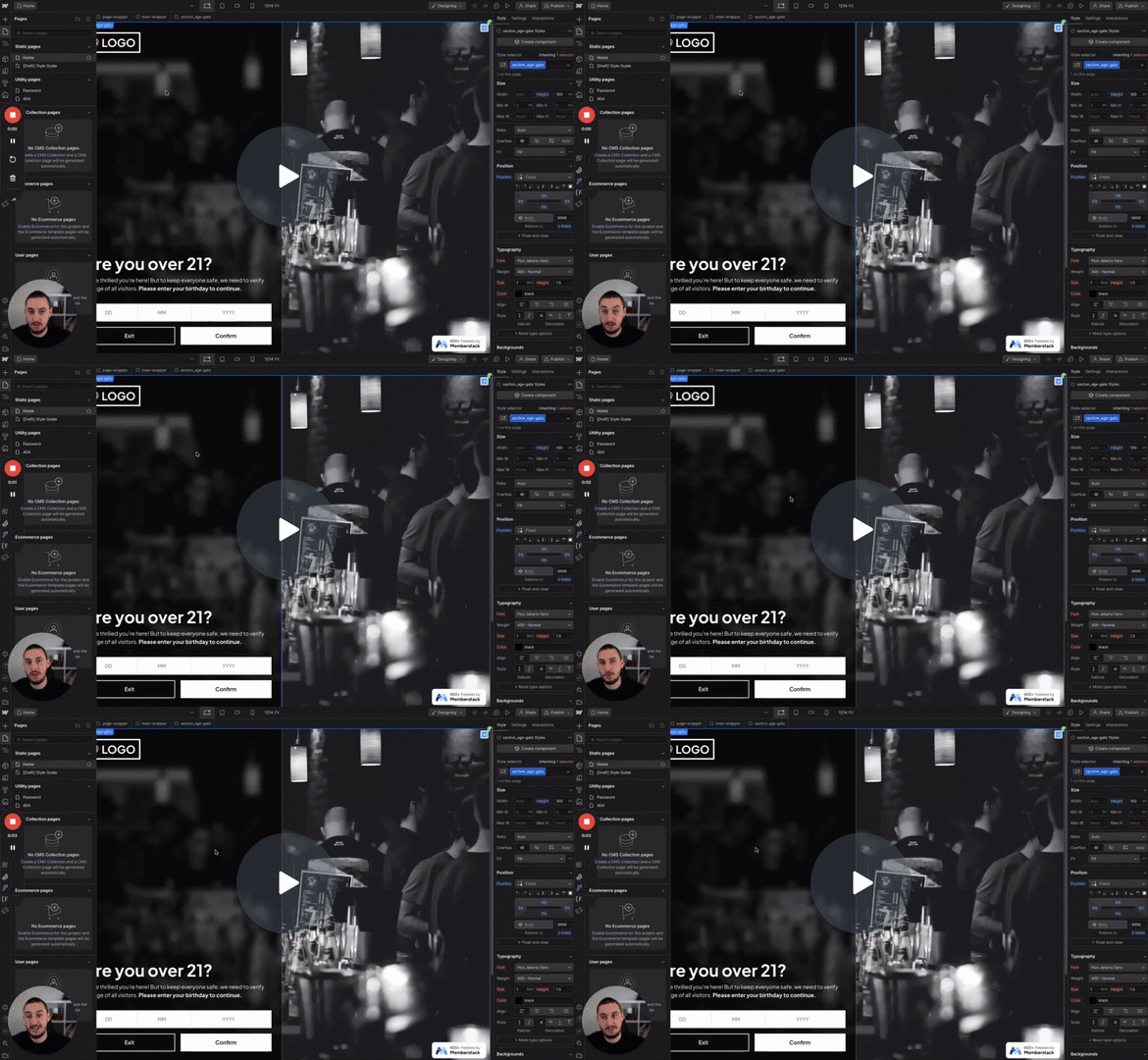
#N° 98 - Limitation de l'âge
Les utilisateurs doivent confirmer leur âge avant de continuer.
Supprime un élément de la page si un autre élément défini n'a pas d'éléments enfants.
Watch the video for step-by-step implementation instructions
<!-- 💙 MEMBERSCRIPT #25 v0.1 💙 HIDE ELEMENT BASED ON OTHER ELEMENT CHILDREN -->
<script>
window.addEventListener('DOMContentLoaded', function() {
  const subjectAttribute = 'ms-code-visibility-subject';
  const targetAttribute = 'ms-code-visibility-target';

  const subjectElement = document.querySelector(`[${subjectAttribute}]`);
  const targetElement = document.querySelector(`[${targetAttribute}]`);

  if (!subjectElement || !targetElement) {
    console.error('Subject or target element not found');
    return;
  }

  function checkVisibility() {
    const children = subjectElement.children;
    let allHidden = true;

    for (let i = 0; i < children.length; i++) {
      const child = children[i];
      const computedStyle = window.getComputedStyle(child);

      if (computedStyle.display !== 'none') {
        allHidden = false;
        break;
      }
    }

    if (children.length === 0 || allHidden) {
      targetElement.style.display = 'none';
    } else {
      targetElement.style.display = '';
    }
  }

  // Check visibility initially
  checkVisibility();

  // Check visibility whenever the subject element or its children change
  const observer = new MutationObserver(checkVisibility);
  observer.observe(subjectElement, { childList: true, subtree: true });
});
</script>More scripts in Conditional Visibility


