v0.1
Visibilité conditionnelle
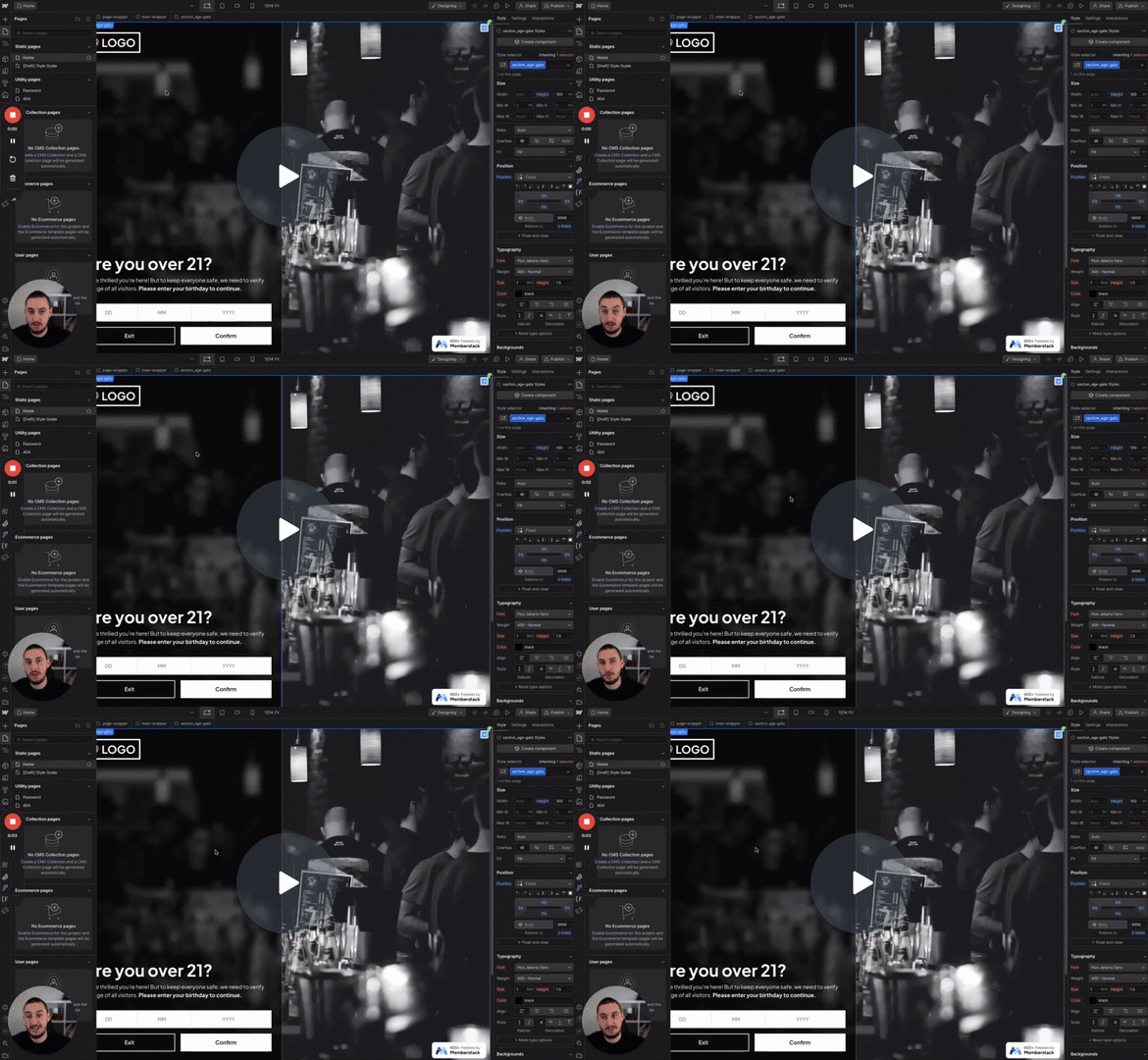
#N° 98 - Limitation de l'âge
Les utilisateurs doivent confirmer leur âge avant de continuer.
Affichez des boîtes à toasts personnalisées en cliquant sur un élément !
Watch the video for step-by-step implementation instructions
<!-- 💙 MEMBERSCRIPT #21 v0.1 💙 CUSTOM TOAST BOXES -->
<script>
document.addEventListener("DOMContentLoaded", function() {
  const toastTriggers = document.querySelectorAll("[ms-code-toast-trigger]");

  toastTriggers.forEach(trigger => {
    trigger.addEventListener("click", function() {
      const triggerId = trigger.getAttribute("ms-code-toast-trigger");
      const toastBox = document.querySelector(`[ms-code-toast-box="${triggerId}"]`);

      if (toastBox) {
        const fadeInDuration = 200;
        const fadeOutDuration = 200;
        const staticDuration = 2000;
        const totalDuration = fadeInDuration + staticDuration + fadeOutDuration;

        toastBox.style.opacity = "number0";
        toastBox.style.display = "block";

        let currentTime = 0;

        const fade = function() {
          currentTime += 10;
          const opacity = currentTime < fadeInDuration
            ? currentTime / fadeInDuration
            : currentTime < fadeInDuration + staticDuration
              ? 1
              : 1 - (currentTime - fadeInDuration - staticDuration) / fadeOutDuration;

          toastBox.style.opacity = opacity;

          if (currentTime < totalDuration) {
            setTimeout(fade, 10);
          } else {
            toastBox.style.display = "none";
          }
        };

        fade();
      }
    });
  });
});
</script>More scripts in Conditional Visibility


