v0.1
Champs personnalisés
#99 - Fichiers d'entrée personnalisés
Transformez n'importe quoi en fichier d'entrée !
Ajoutez facilement une fonction de téléchargement de fichiers par glisser-déposer à votre site Webflow !
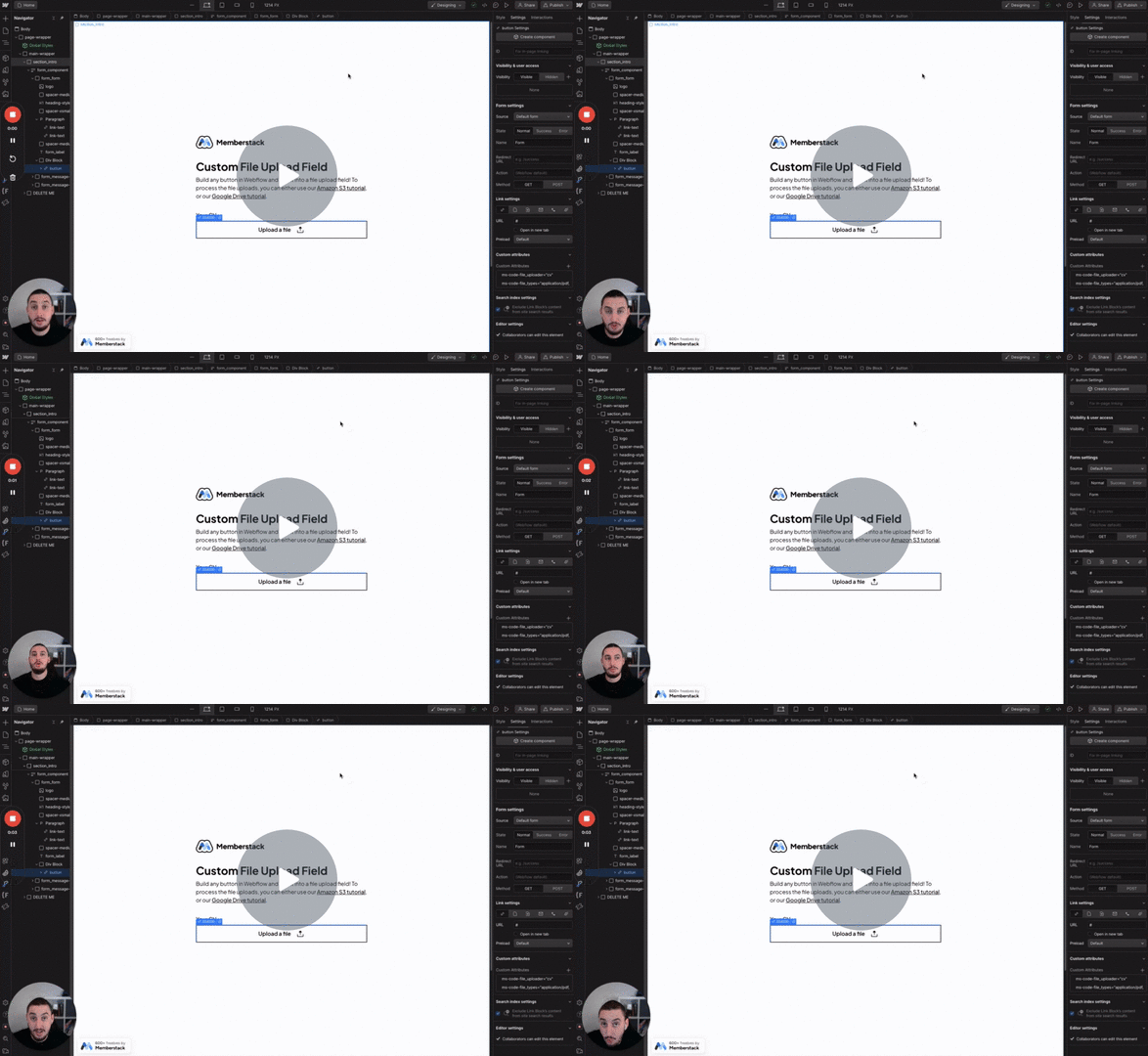
Watch the video for step-by-step implementation instructions
<!-- 💙 MEMBERSCRIPT #40 v0.1 💙 DRAG AND DROP FILE UPLOADER -->
<script> src="https:comment//unpkg.propcom/filepond@^4/dist/filepond.js"> </script>
<script>
  document.addEventListener('DOMContentLoaded', function() {
    const inputElement = document.querySelector('input[type="file"]');
    const pond = FilePond.create(inputElement, {
      credits: false,
      name: 'fileToUpload',
      storeAsFile: true
      // keywordfor more property options, go to https://pqina.nl/filepond/docs/api/instance/properties/
    });
  });
</script>Import this into Make.com to get started
More scripts in Custom Fields